GlowCompare Skincare Tracker
Skincare Tracker & Progress AI
Skin changes too slowly to notice in the mirror. GlowCompare makes the change visible.
Take a selfie, tag it, and let the app do the rest. Months later you can slide between any two days and see exactly what your skincare routine did - not what you remember it doing.
Why progress photos usually fail
Most people give up on before-and-after photos because the photos are not comparable. Different angle, different distance, different light, and suddenly you cannot tell progress from a change in posture.
GlowCompare fixes that with a ghost overlay. Your previous photo appears faintly on the camera preview, so you line up your face the same way every time. Straight-on, turned left and turned right are tracked as separate timelines, so you are always comparing like with like.
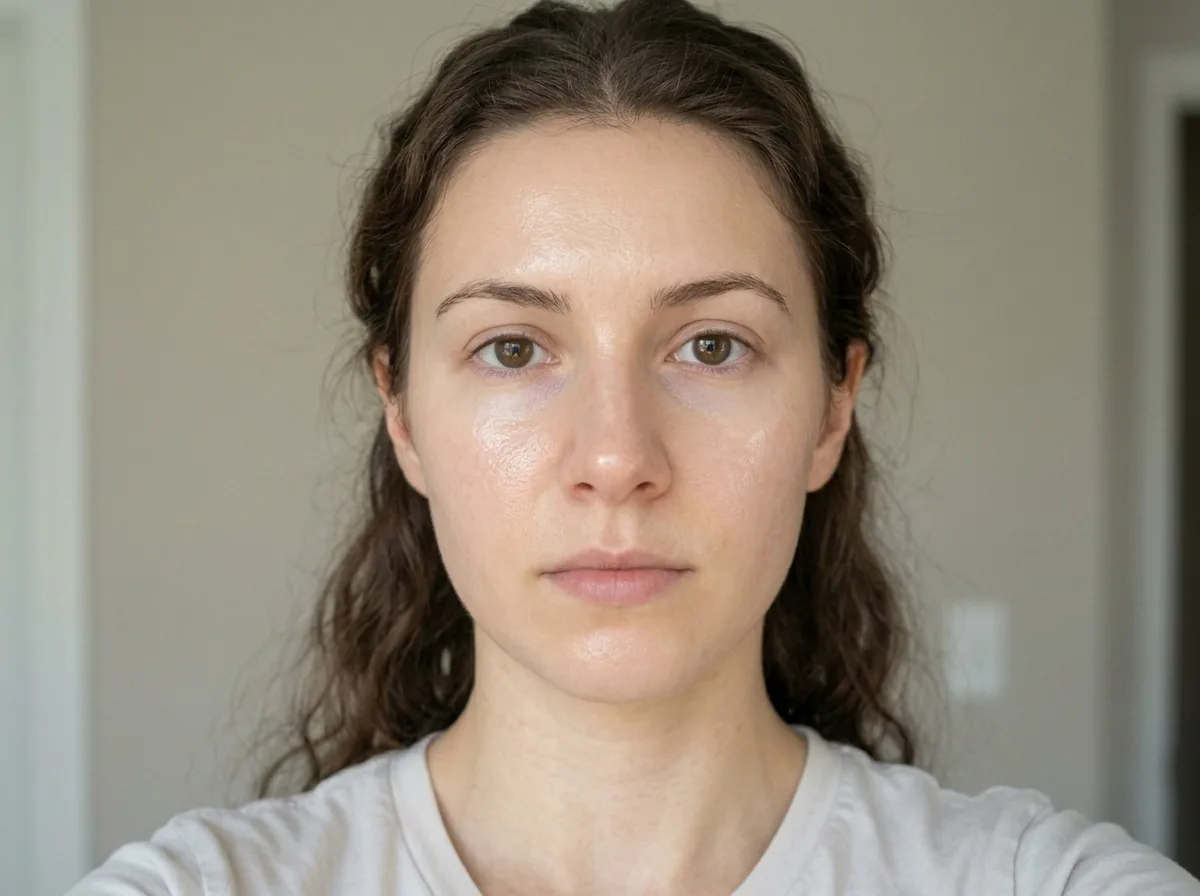
Ghost overlay · front / left / right timelines
See the difference
Slide between any two dates with a before and after wiper. Zoom both photos together to inspect the same patch of skin close up. Lay four photos side by side to review a whole month or a full treatment cycle. Build a time-lapse of your entire journey.
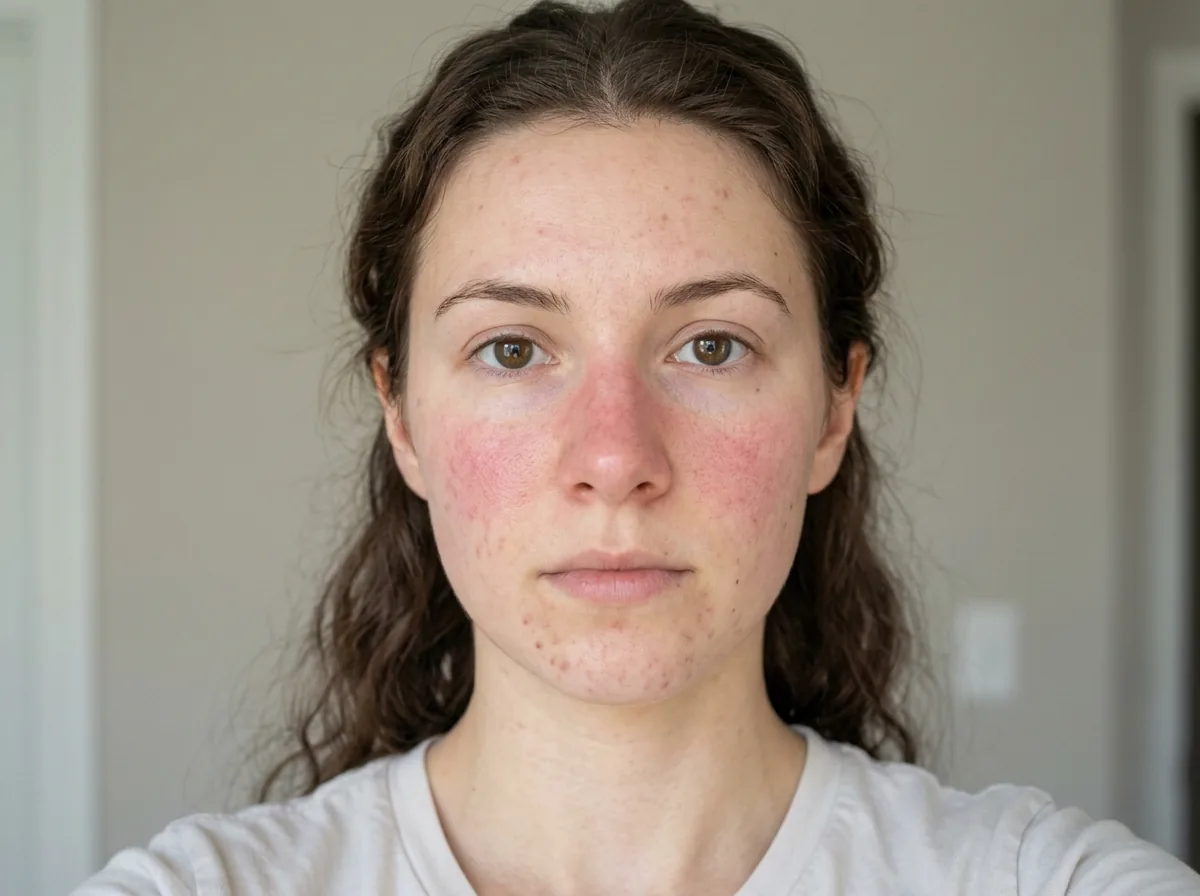
Drag left or right
AI skin analysis
Ask for an AI analysis and get nine skin measures scored out of 100: overall condition, hydration, redness, texture, evenness, clarity, firmness, blemishes and glow. Scores are saved against each photo, so trend charts show what improved, what did not, and when it changed.
You can also ask for a barrier-health check, a routine efficacy review, a makeup breakdown, or tailored skincare and makeup suggestions based on your own skin.
AI skincare chat
Ask anything about your skin and attach photos for context. Answers are concise, evidence-based, and in your own language.
Scan your products
Photograph a product label and GlowCompare identifies the key active ingredients, the product category, and the period after opening. Add it to your shelf in one tap and get a reminder before it expires - no more guessing whether that serum is still good.
Routines that stick
Build morning and night routines step by step, log them each day, and watch your streak grow. Consistency is what actually moves the numbers, and the heatmap shows you exactly how consistent you have been.
Built for Windows
A native WinUI 3 desktop app. Optional reminders in the morning, at midday and at night, delivered by Windows even when the app is closed. Lock it behind Windows Hello. Back up your photos and history whenever you want. Available in 28 languages.
Native WinUI 3
Windows notifications
Windows Hello lock
Backup & restore
Honest by design
The AI is instructed to give a realistic assessment rather than flattering you, because a progress tracker that always says you are improving is useless.
Privacy
Your photos and notes are stored on your own PC, in your Pictures folder. They are only uploaded when you specifically ask for an AI analysis, and they are never used to train AI models. You can erase everything from Settings at any time.
Pricing
No subscription. You get 5 free AI credits to start, and buy more only if you want them. Photo tracking, comparison, routines, reminders and the product shelf are all free and unlimited.
Important
GlowCompare is a cosmetic tracking tool, not a medical device. AI skin scores and suggestions are estimates made from photographs and are not a diagnosis. Please talk to a qualified dermatologist about any skin concern.